
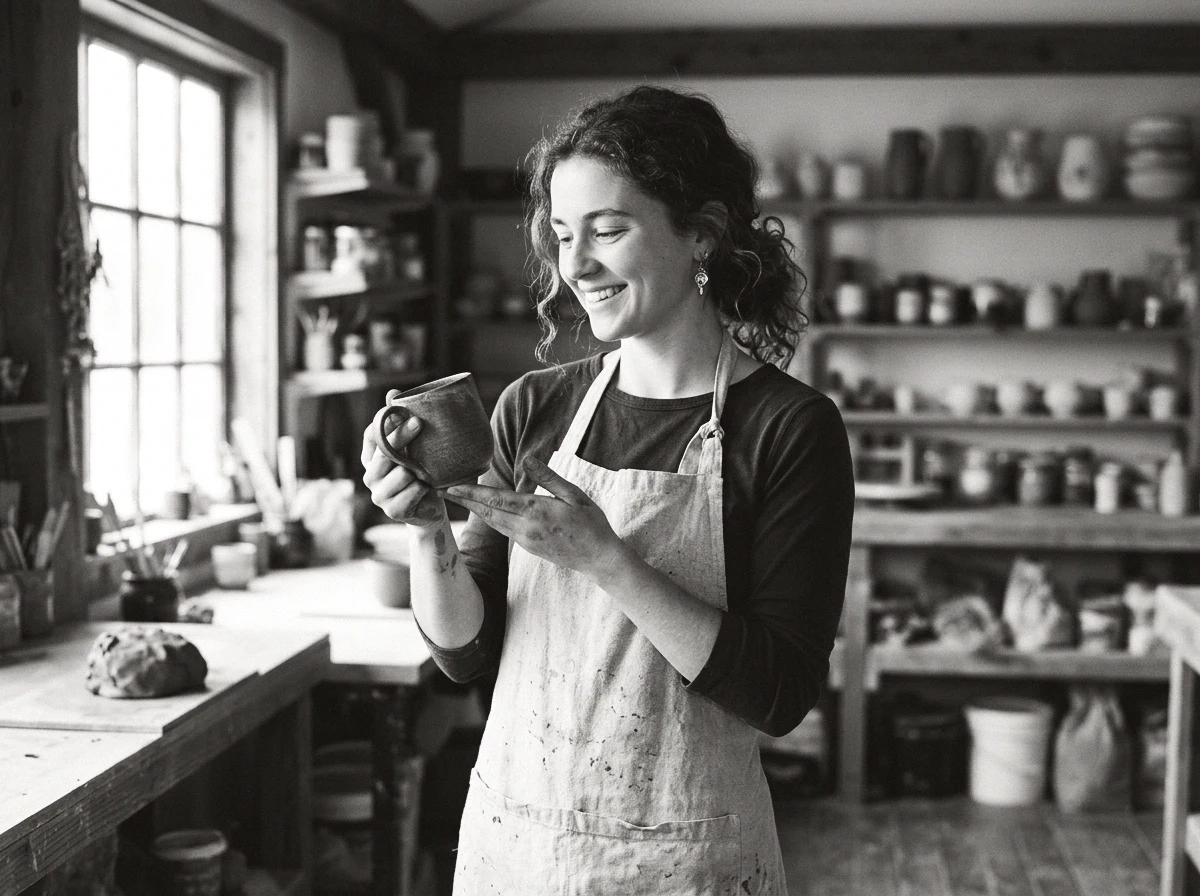
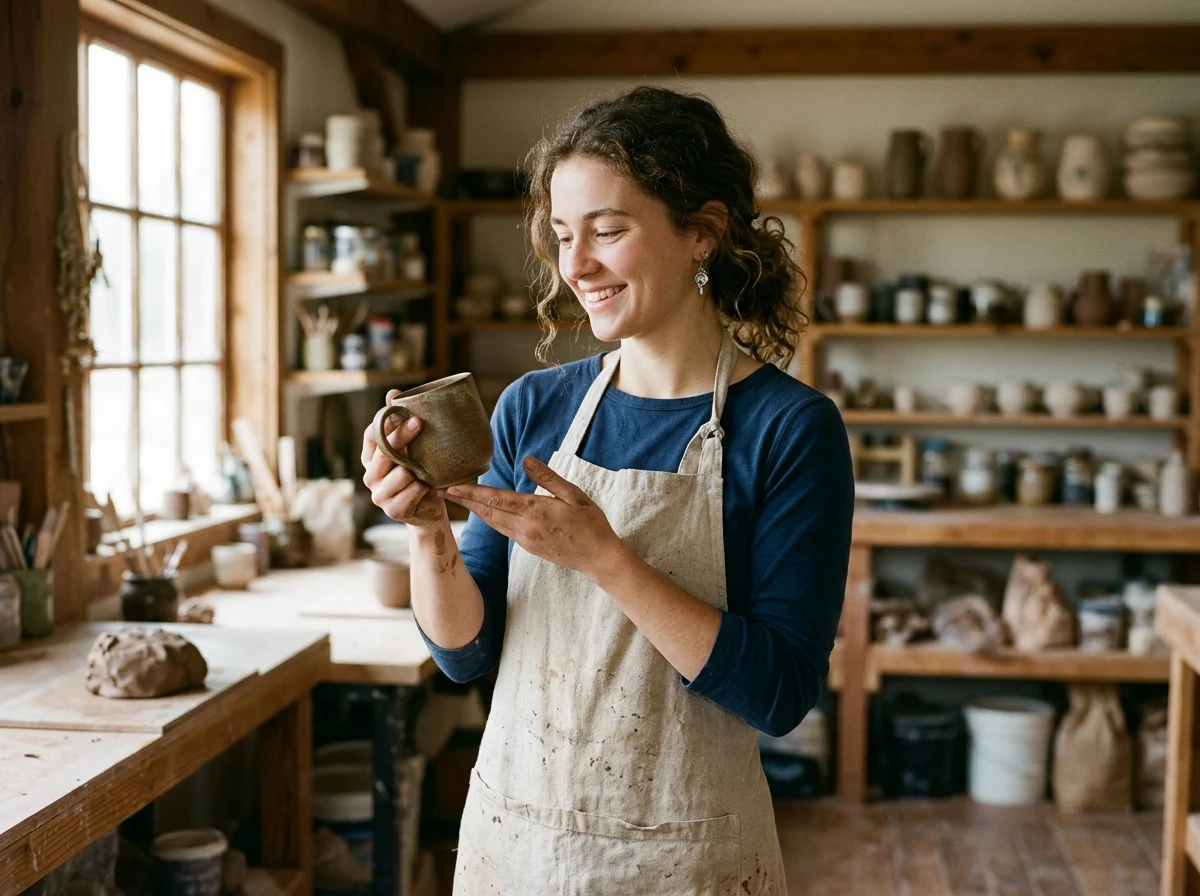
Original
Converted
Editorial Photo Restyle
Convert natural daylight portraits into silver-gelatin darkroom prints, analog film stocks, or stylized illustration while locking facial likeness.
Strength 0.55 · Lock OnLoad in Studio
Upload any reference photograph to restyle aesthetics, convert to fine-art paintings, edit or translate in-image text preserving typography, or relight scenes in HD.
Upload a reference photo
PNG, JPG, or WebP up to 10 MB
Preserve framing, proportions, and facial likeness
100 credits per conversion · lossless PNG
Sign in with Google to receive 100 free starter credits — no card required.
Drag each divider to compare original photographs against calibrated PixPoise conversions with subject geometry preserved.
Convert natural daylight portraits into silver-gelatin darkroom prints, analog film stocks, or stylized illustration while locking facial likeness.
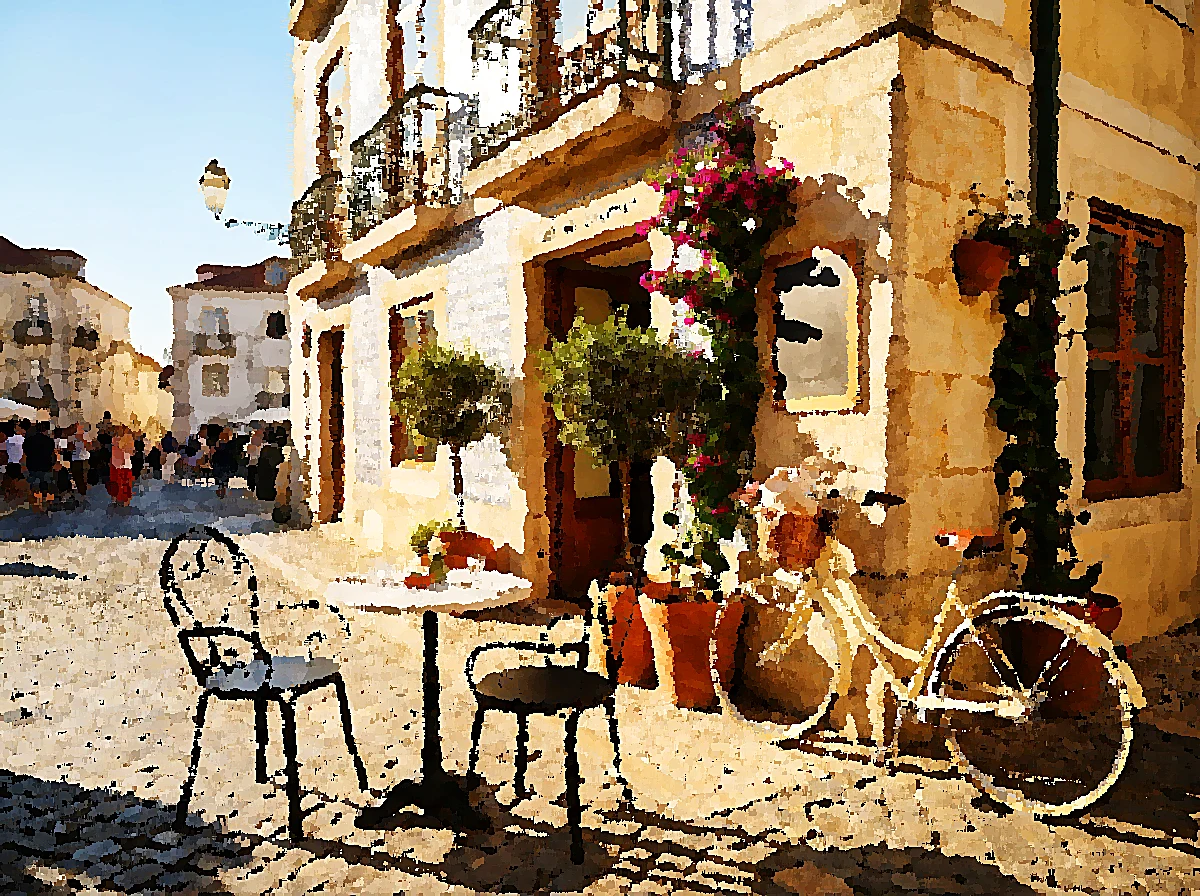
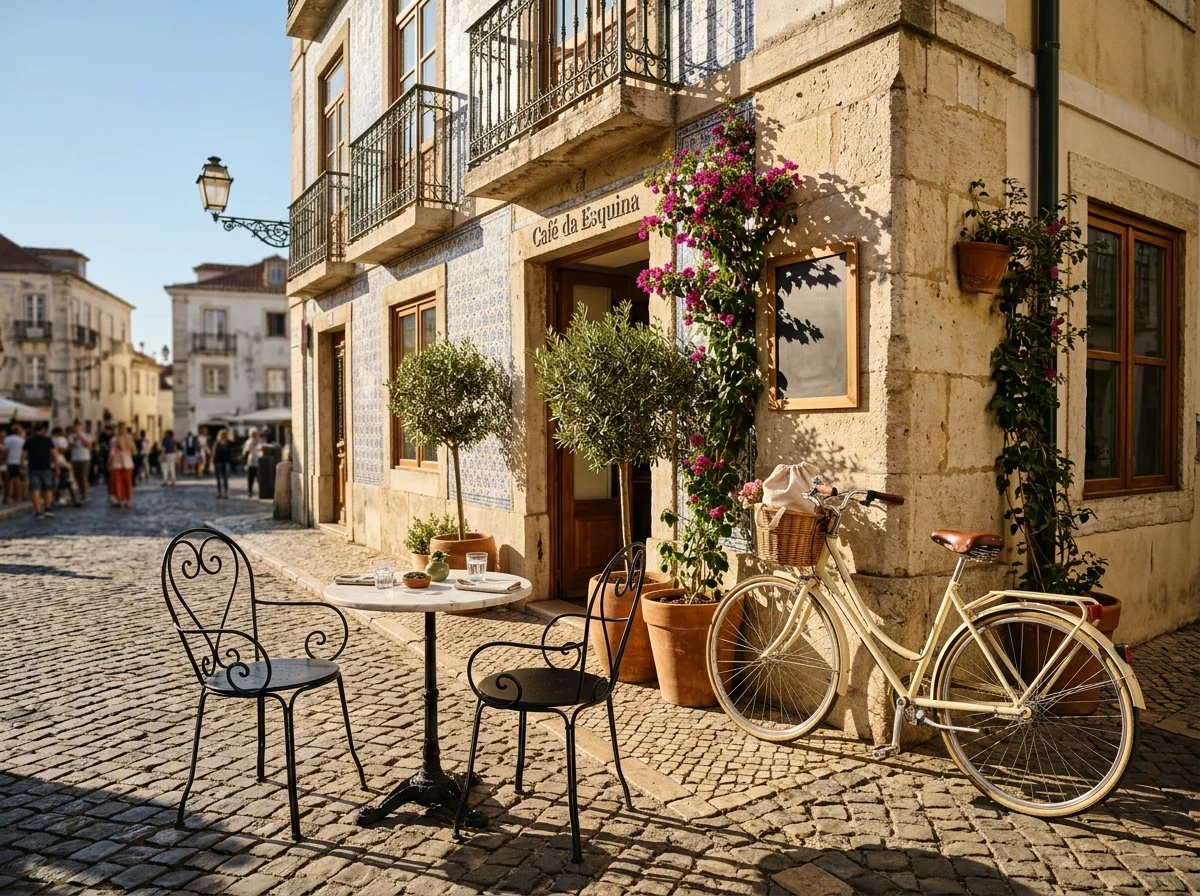
Turn street and travel photography into tactile impasto brushwork while preserving architectural lines, perspective, and light direction.
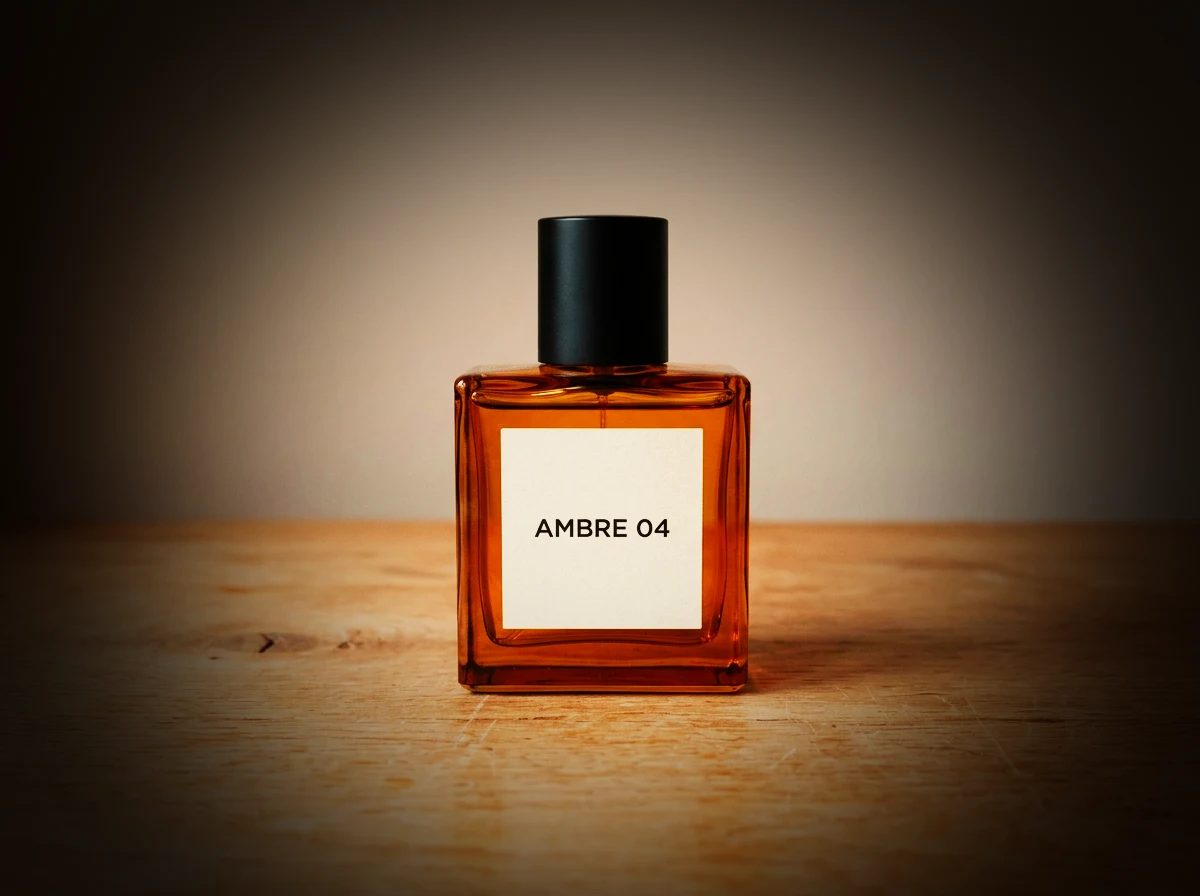
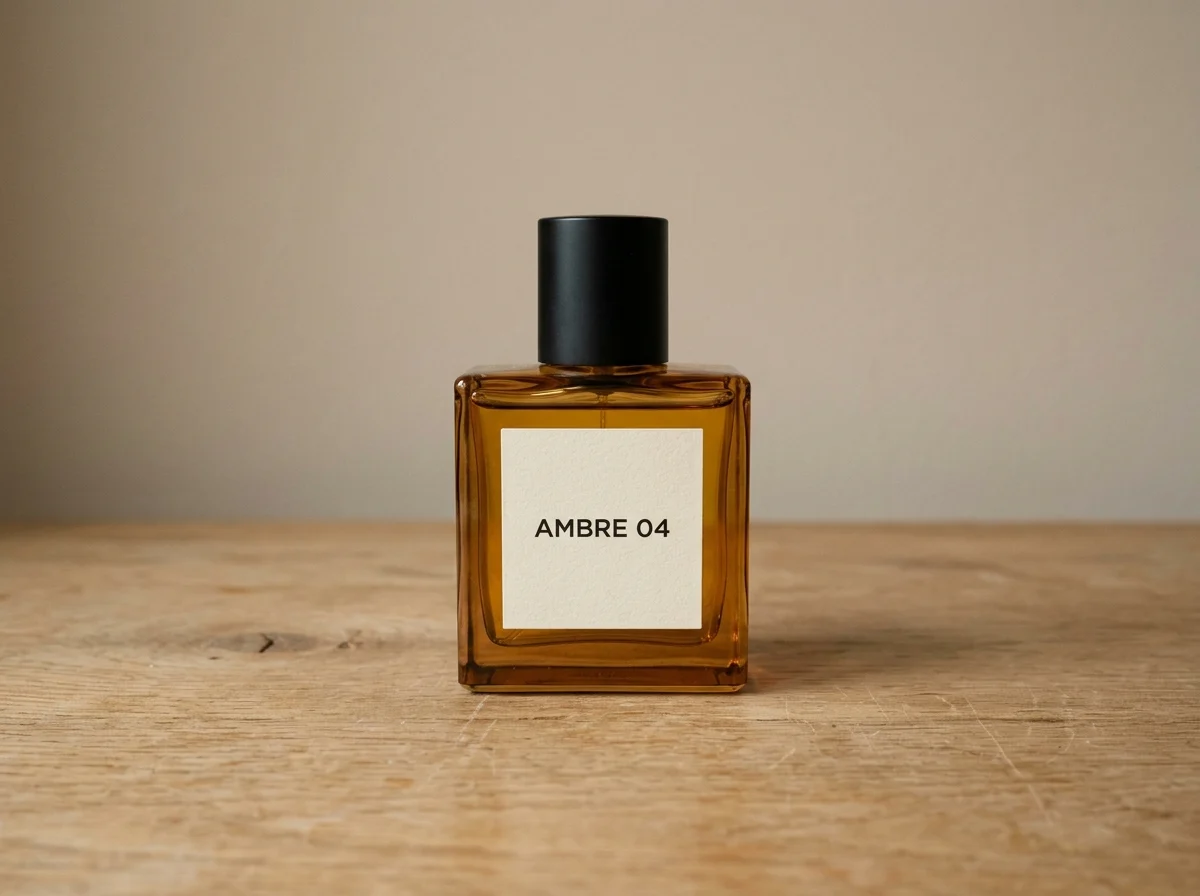
Keep product silhouettes and label typography razor sharp while re-shaping studio key light, shadows, and surface mood.
Every run starts from your uploaded reference photo so composition stays intentional rather than random.
Drop any PNG, JPG, or WebP file directly into the calibrated darkroom viewport, or start from a built-in specimen.
Set denoising strength between 0.10 and 1.00, toggle structure lock for edge preservation, and describe your target look.
Compare every edge and highlight with the interactive before/after divider, then download at 1K, 2K, or 4K resolution.
Predictable image to image AI results depend on matching denoising strength to the degree of visual change you need.
“Portable Network Graphics (PNG) provides lossless raster compression with full sRGB color fidelity, preserving fine brushwork, typography edges, and tonal gradients without generational compression artifacts.”
— According to W3C Portable Network Graphics (PNG) Specification
| Strength | Calibration Band | Visual Behavior | Recommended Workflows |
|---|---|---|---|
| 0.10 – 0.35 | Fidelity Lock | Preserves original geometry, typography, and micro-texture with minimal drift. | In-image text edits, image translation, subtle color & light corrections |
| 0.40 – 0.65 | Studio Balance | Reshapes lighting, surface mood, and film rendering while keeping subject identity locked. | Editorial restyles, product relighting, background atmosphere swaps |
| 0.70 – 0.85 | Artistic Medium | Reinterprets surfaces into oil impasto, watercolor wash, or stylized illustration strokes. | Photo-to-painting transfer, art filters, creative campaign visuals |
| 0.90 – 1.00 | Bold Re-imagining | Uses the source image as loose compositional guidance for fresh visual variations. | Concept art exploration, multi-look image variations, mood boards |
Switch studio modes inside a single workspace without exporting between separate apps.
Shift portraits, product shots, and scenes across monochrome film, editorial studio looks, or stylized art directions.
Render authentic oil, watercolor, and acrylic canvas textures while maintaining recognizable likeness and framing.
Rewrite signage, packaging labels, and poster headlines in place while matching perspective, lighting, and surface grain.
Swap studio backdrops, cast directional sunlight, or harmonize shadows around an untouched foreground subject.
Translate printed or photographed text directly onto the original background surface across global languages.
Start with 100 free credits on signup. Top up with one-time packs whenever your studio needs more volume — zero recurring subscriptions.
100 credits
100 signup credits to test 1K image to image AI with full parameter control.
2,500 credits
25 conversions at 1K/2K HD — ideal for creators and solo design projects.
10,000 credits
Up to 100 HD conversions plus 4K Ultra exports and 30-day studio history.
30,000 credits
30,000 credits with 10% credit discount on every run and permanent history.
Need help with volume workflows or billing? Email hello@pixpoise.com